
Email-to-CRM capture means sending a copy of a message to a special address your CRM gives you, so the email, its attachments and its date land on the right contact, company or deal without retyping anything. For most brokers the simplest version is BCC: you add the logging address in the BCC field, hit send, and the record updates itself. The catch is that each CRM matches records differently, and a few small mistakes quietly break the log. This guide covers how it works, where to find your address, how to keep emails on the correct deal, and how to protect borrower and lender information.
TL;DR
- Every major CRM gives each user a unique logging address. Put it in BCC (not To or CC) and the CRM files a copy of the email on the matching record.
- Matching runs on the visible recipients. A person you add as BCC is generally not matched, so the contact you want logged must sit in To or CC.
- For replies you received, forward them to the same address instead of BCCing.
- Unverified sending addresses, opt-out lists and wrong matching rules are the usual reasons an email never shows up.
- BCC is also how you hide lender addresses from each other, but a large BCC blast can look like bulk mail to spam filters.
Table of Contents
- What email-to-CRM capture actually does
- Why brokers capture email conversations in a CRM
- How to find your CRM's BCC address
- How to BCC an email so it lands on the right record
- Forwarding: capturing replies and older emails
- What gets captured and what does not
- Emailing several lenders: BCC for privacy, CRM for the record
- If the email does not show up: a troubleshooting checklist
- Privacy and security for borrower and deal emails
- Making the habit stick across a team
- Perspective
- Where BrokersConnect fits
- FAQ
- Sources
What email-to-CRM capture actually does
A commercial deal lives in your inbox long before it lives anywhere else. Term sheet questions, rate quotes, requests for a rent roll, a lender saying "send the T-12 again." If none of it reaches your CRM, the pipeline shows a stage but not the story behind it, and the next person to touch the deal (or you, three weeks later) starts from scratch.
Capture solves that by moving the email to the record instead of asking you to copy and paste. There are two broad ways to do it:
- Automatic sync. You connect your inbox and the CRM logs conversations in the background.
- Manual logging by BCC or forwarding. You decide, message by message, what gets logged by copying a dedicated address.
BCC logging is popular with brokers because it is selective. Not every email to a borrower belongs in a shared system, and not every broker wants a full inbox sync running. You choose what goes in.
Here is what happens under the hood in a typical setup. One widely used CRM's help documentation says the copy you send logs the email content and attachments on the matching recipient's contact, the primary associated company, and the five most recent open associated deals. Another major CRM's Email to Salesforce documentation says it accepts a special address in the BCC field and relates the message to matching leads, contacts, opportunities or other records. Messages it cannot match can be reviewed in an unresolved items list and assigned by hand.
So the pattern is the same across products: a unique address, a matching step, and a fallback for emails that match nothing.
Why brokers capture email conversations in a CRM
The case for logging is practical, not theoretical.
Lender history stays with the deal. When a lender asks for the same document twice, or you need to prove when you sent the package, the answer is on the record instead of buried in a thread.
Handoffs get easier. If an associate or assistant picks up a file, they can read the conversation in order. Good communication strategies for property management rest on the same habit: keep a clear, shared record of what was said and to whom.
Follow-ups stop depending on memory. Lender responsiveness varies, and the broker who knows exactly when a lender last replied can chase at the right moment. If you want a cadence to build on, our lender follow-up cadence walks through a 21-day structure, and the piece on tracking lender feedback covers how to measure response times.
Your pipeline reflects reality. A stage label means little without the activity behind it. Our deal pipeline management guide covers how to make stages meaningful, and logged email is the raw material for that.

How to find your CRM's BCC address
The address is unique to you or your account, and it lives in settings. Where exactly depends on the CRM:
| CRM type | Where to look | Notes |
|---|---|---|
| HubSpot-style connected email | Settings > Data Management > Objects > Activities > Email Log & Track > Manual Logging | Copy the BCC address from the manual logging section (source) |
| Zoho-style CRM | Setup > Channels > Email > BCC Dropbox | Each user gets a unique address (source) |
| Salesforce-style enterprise CRM | Email to Salesforce settings | Each user can use their address when composing, forwarding or replying to an external email (source) |
Once you have it, do two things before your first real use:
- Save it as a contact in your email client under a clear name like "CRM Log." This avoids typos and lets autocomplete do the work.
- Confirm which sending addresses are allowed. Some systems only log mail sent from addresses you have added and verified (more on that below).
How to BCC an email so it lands on the right record
Step by step
- Write your email as usual. Put the borrower, lender or other party in To or CC.
- Add your CRM's logging address in BCC. Not To, not CC. Pipeline-style CRMs say this explicitly: the logging address belongs in BCC, and the system then logs the message to the matching person, deal or company.
- Send.
- Open the contact or deal and confirm the email appears in the activity timeline.
Do this on the first few emails of each new deal. Once you have seen it work for a lender and a borrower, you can trust the habit.
The BCC-recipient trap
This is where brokers go wrong. The CRM matches on visible recipients. According to the same help documentation, a person you BCC does not get a new record created and an existing record for that BCC recipient does not receive the logged email. Salesforce-style matching relies primarily on addresses in the To and CC fields.
The practical rule: anyone whose record should show the email must be in To or CC, and the CRM address is the only BCC.
That creates a real tension when you email several lenders at once. If you hide all the lenders in BCC to protect their addresses, the CRM has no visible recipient to match. We cover that case in a later section.
Targeting a specific deal
When a borrower has multiple files with you, automatic matching can pick the wrong one. Some systems let you aim the email precisely. Salesforce says you can include a record ID in the subject or body to target a specific record; otherwise matching depends on the addresses it finds. HubSpot-style logging attaches to the five most recent open deals associated with the contact, so closing out dead deals promptly keeps the logs from scattering.
A simple habit helps in any system: put a consistent deal name in the subject line, such as the property address or a short deal code. It makes the thread easier to find in the CRM and in your inbox.
Forwarding: capturing replies and older emails
BCC only works for mail you send. Replies from lenders and borrowers arrive in your inbox, so you have to forward them.
- Forward the received message to the same logging address. One CRM's documentation confirms replies can be logged this way.
- Some systems add a queue. In a Pipeline-style CRM, a forwarded email lands in a queue, where you select it and apply the associations.
- Less Annoying CRM-style tools log outbound mail through BCC and ask you to forward inbound messages to the logging address, attachments included.
Build a two-second rule: after a substantive lender reply (a quote, a decline with reasons, a request for documents), forward it. Skip the "thanks, got it" messages.
What gets captured and what does not
Know the limits before you rely on the log.
Usually captured: the email body, attachments, date, and association to the matching records. Pipeline-style systems save logged emails and attachments as email activities on the recipient's profile, and may create a new person or even a company record from the domain if none exists.
Often not captured: engagement data. For one major CRM, manually logged emails do not provide open or click tracking. If you need to know whether a lender opened your package, BCC logging will not tell you.
Depends on settings: how much content is stored. Salesforce's activity capture offers a header-only option that keeps sender, recipients, date and time while leaving out the subject and body. Matching can then link that data to users, contacts, leads, accounts and opportunities.
Also watch what the CRM creates on its own. Some products will create a new lead or contact for an unknown recipient. Zoho-style BCC Dropbox lets users choose whether it searches contacts, leads or both, and whether an unmatched recipient creates a new record. If you do not want your database filling with one-off addresses, turn that off.

Emailing several lenders: BCC for privacy, CRM for the record
Brokers send the same deal summary to multiple lenders, and most do not want lenders seeing each other. BCC does that. Google's Gmail Help explains that BCC recipients cannot see other BCC recipients, though they can see To and CC recipients, and they do not receive later Reply all messages.
That is useful, but it collides with CRM matching. Here are workable ways through it:
- Send individual emails. One email per lender, lender in To, CRM address in BCC. Each lands on the right lender record. It takes longer by hand, which is why many brokers use outreach tools for it. Our guide on lender outreach automation lays out a pilot approach, and the 5-touch cold email sequence shows what to send.
- Send one BCC blast to yourself in To. Log the message once against the deal, not against each lender, then record which lenders received it in a note.
- Use a platform built for batch outreach where each submission is tracked per lender automatically.
Deliverability: do not overdo BCC
A long BCC list is not free. GlockApps, an email deliverability specialist, warns that large BCC sends can look like bulk mail to email service providers, and that invalid addresses cause bounces that hurt sender reputation. Its guidance is to treat BCC as a confidentiality tool, test deliverability, and avoid unnecessarily large recipient lists. For lender outreach, a targeted list of the lenders that actually fit the deal beats a blast to everyone.
If the email does not show up: a troubleshooting checklist
Work through these in order.
- Was the CRM address in BCC? In To or CC it either fails or exposes your internal address to the borrower.
- Is the sending address approved? Zoho-style systems only synchronize verified sending addresses, so a business alias you never added will be ignored. HubSpot-style logging needs the sender to have personal email access and an accepted sending address.
- Is the recipient on a do-not-log list? The same documentation notes a Never Log list that blocks logging for listed contacts.
- Was the contact actually visible? A borrower in BCC will not be matched.
- Does a matching record exist? If not, check whether your system creates records for unknown addresses, or look in the unresolved items queue (Salesforce-style systems list unmatched messages there for manual assignment).
- Is it on the wrong deal? Check which deals are open for that contact. Close dead ones, and use a record ID or consistent deal name where the system supports it.
If you work with contacts in the EU or UK, privacy settings matter as well. HubSpot's documentation notes that GDPR settings require a legal basis to communicate before logging.
Privacy and security for borrower and deal emails
Commercial deal emails carry financial statements, tax returns, ownership structures and personal contact details. Treat the logging address like any other place that data can go.
- Log what the team needs, not everything. Header-only capture, as in Salesforce's activity settings, shows email capture does not have to be all-or-nothing: you can keep routing metadata and leave out the body for sensitive threads.
- Keep sensitive documents out of the email trail where possible. Send a secure link instead of an attachment, and keep the file in a vault attached to the deal. Our look at lender portals versus email covers how to shift document exchange off email.
- Protect your logging address. Anyone who has it can drop mail onto your records, so do not paste it into shared signatures or public forms.
- Limit access to records. Logged emails inherit the visibility of the record they sit on, so check who can see each deal.
- Use BCC for confidentiality, not secrecy. It hides addresses from other recipients but does not make the message private from your own systems.
If your document handling is the bottleneck, the post on AI document extraction shows how to pull data from borrower files without re-keying it.
Making the habit stick across a team
The tool is rarely the problem. Adoption is. Three things help:
- Define what gets logged. For example: every outbound lender submission, every lender quote or decline, every borrower approval. Nothing else.
- Tie logging to a stage change. If a deal moves to "Submitted," there should be a logged email to show for it.
- Review weekly. Pick three deals and read their timelines. Gaps show up quickly.
We go deeper on this in lender CRM best practices, and managers rolling this out to a team can use the 2 to 4 week adoption pilot. For pipeline structure, see the deal pipeline stages templates.
Perspective
Email capture is a symptom of a bigger problem: broker workflow is scattered across inboxes, spreadsheets, lender lists and notes apps. BCC logging patches the gap, and it is worth learning, but every patch depends on someone remembering to do it.
We built BrokersConnect on a different idea. The deal should be the center, and lender matching, outreach, conversations, documents and pipeline status should all hang off it in one place. When you submit a scenario to lenders from the platform and track the conversation there, the record is created as you work instead of after you work.
That is why we pair a lender database with pipeline tools, a document vault and deal packaging help, rather than selling any one of them alone. Brokers should spend their hours on borrowers and lenders, not on filing.
Theron
Where BrokersConnect fits
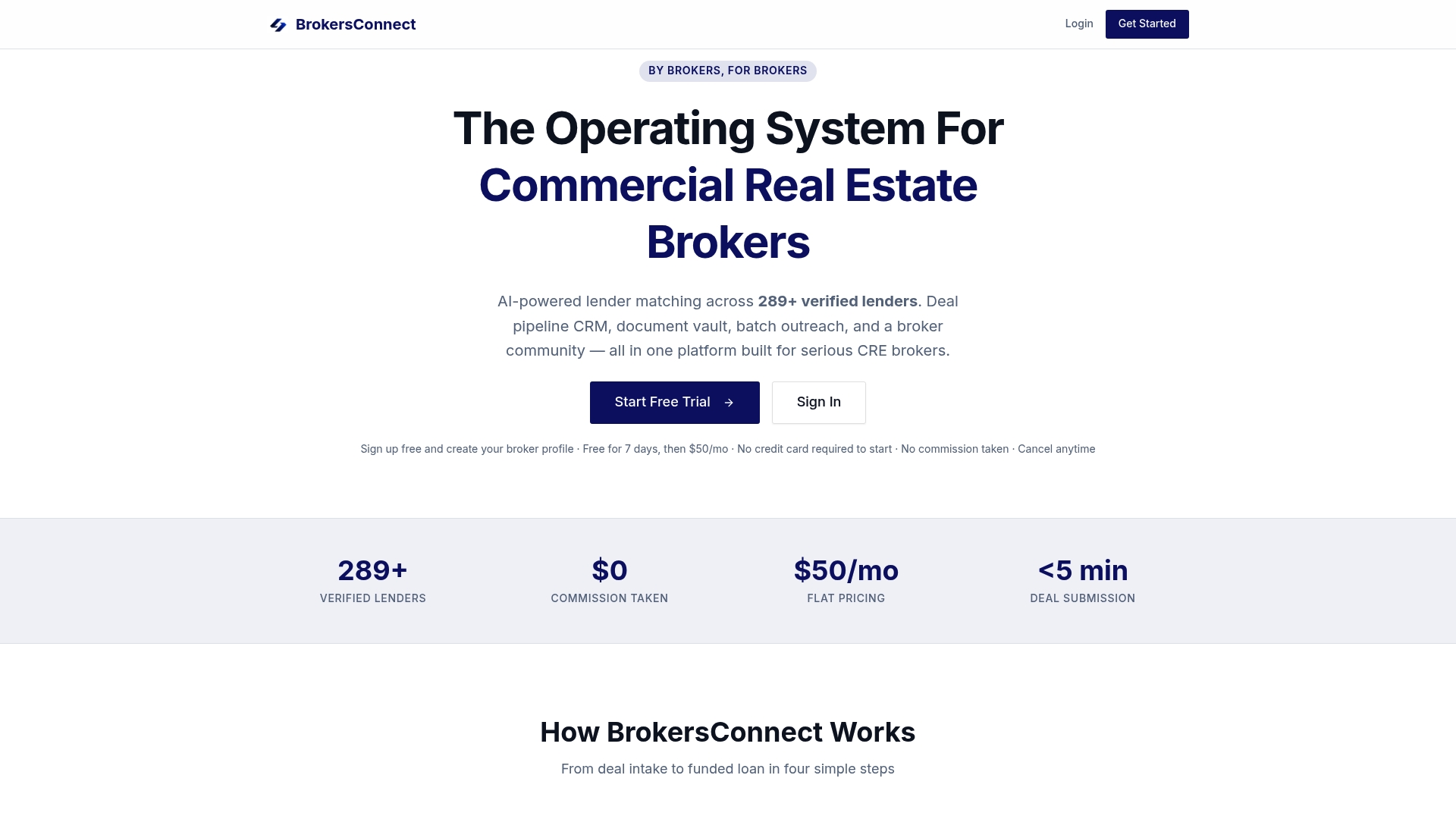
If you are logging emails by hand because lender conversations are scattered, BrokersConnect is built to put that work in one place. It is a subscription platform for commercial real estate brokers with AI-powered lender matching against a database of 289+ verified lenders, batch lender outreach, a deal pipeline CRM, a secure document vault and tools for packaging deals. Pricing is a flat $50 per month with a free trial, and no commissions or transaction fees.
You can start with BrokersConnect and run your next lender submission and follow-ups from one deal record.
FAQ
Should I put the CRM address in BCC or CC?
BCC. In CC, the borrower or lender sees your internal logging address and may reply to it. CRMs such as the Pipeline-style one specifically tell you to use BCC, not To or CC.
Why was my BCC email not logged to the borrower's record?
The most common reason is that the borrower was in BCC. One major CRM says a BCC recipient's record does not receive the logged email. Put the borrower in To or CC, keep the CRM address as the only BCC, and check that your sending address is approved.
Can I log emails I received, not just ones I sent?
Yes. Forward the received message to your CRM's logging address. Some systems then place it in a queue where you pick the matching contact or deal, as Pipeline-style forwarding does.
Is it safe to BCC multiple lenders on one email?
It hides their addresses from each other, and Gmail Help confirms BCC recipients cannot see one another. Keep lists targeted, since large BCC sends can resemble bulk mail to spam filters. For tracking each lender separately, send individual emails or use a batch outreach tool.
Sources
- Log email in your CRM with the BCC or forwarding address
- How Does Email to Salesforce Work?
- Emails and Einstein Activity Capture
- BCC Dropbox, Zoho CRM Online Help
- Log Emails and People by BCC or Forwarding
- Logging emails, Less Annoying CRM
- Send or unsend Gmail messages, Gmail Help
- CC and BCC in Emails: Purpose, Difference, and Best Practices
- Communication Strategies for Property Management Companies