
Loan document versioning is the practice of preserving every saved state of a document, along with who changed it and when, so no edit ever overwrites the record before it. The core benefit is simple: an auditable source of truth that shows exactly how a loan file evolved, which prevents disputes and holds up under regulatory exams. If you manage anything from term sheets to signed notes, the immediate move is to turn on versioning and approval gates for your most critical loan document libraries now, not after the next exam finding.
TL;DR:
- Enabling check-out before editing helps prevent version bloat by ensuring only one person makes deliberate changes at a time.
- Most systems track three version types: major for finalized documents, minor for drafts, and revisions for minor fixes, with policies guiding their use.
- Automated version creation during key triggers, like updates or status changes, provides a clear audit trail crucial for compliance and dispute resolution.
- Limiting visibility of draft versions to approvers and setting retention caps maintains manageable version history for audits.
- Using a centralized vault that connects documents to specific deals ensures accurate, accessible version tracking throughout the loan lifecycle.
Table of Contents
- What Is Loan Document Versioning? Models and Numbering Explained
- How Does Loan Document Version Control Work Day to Day?
- Why Does Version History Matter for Loan Audits and Compliance?
- Which Systems Handle Loan Document Versioning Best?
- How Do You Prevent Loan Document Version Bloat?
- Your Loan Document Versioning Checklist
- A Practitioner's Take on Versioning Trade-offs
- How BrokersConnect Keeps Your Loan Documents Version-Ready
- Sources
- FAQ
What Is Loan Document Versioning? Models and Numbering Explained
Most document management systems track three tiers: major, minor, and revision. A major version (1.0, 2.0) marks a finalized, approved, or published document. A minor version (1.1, 1.2) marks a substantive edit that hasn't been finalized yet, like an underwriter reworking loan covenants before sign off. A revision (1.0.1) typically flags a small, non-substantive fix, such as correcting a typo in a borrower's address.

Contract lifecycle management platforms formalize this with period-delimited numbering, incrementing versions based on specific triggers like regenerating a document, checking it in as final, or a reviewer kicking it back for changes, according to Conga's contract versioning documentation.
The distinction that trips up a lot of loan teams: document-level versioning tracks changes to the file itself (the PDF or Word doc), while record-level versioning tracks the legal status of the underlying agreement. You need both.
- Major version: finalized draft, approved terms, or a fully executed document
- Minor version: work-in-progress edits, redlines, or internal reviewer changes
- Revision: cosmetic fixes that don't change substance
- Record-level version: tracks the agreement's legal status, separate from the file's edit history
How Does Loan Document Version Control Work Day to Day?
Versions don't appear randomly. They get created by specific triggers, and understanding those triggers is how you keep a version history that actually means something instead of a folder full of near-duplicate files.
- A user saves a checked-out document with substantive changes
- A document is checked in after edits, closing the editing session
- A workflow publishes a document as the active, approved version
- An automated policy trigger fires, such as a payment schedule change
Requiring check-out before editing is the single biggest lever for reducing noise in version history. When check-out is mandatory, only one person edits at a time, and every version that gets created reflects a deliberate, closed editing session rather than five people auto-saving over each other. Microsoft's SharePoint documentation confirms that versioning applies to all file types stored in libraries, and by default, new libraries retain the last 500 versions, which sounds generous until a heavily edited loan file blows through that ceiling in a matter of weeks.
Visibility rules matter just as much as creation triggers. Systems like SharePoint let administrators restrict who sees draft or minor versions, so borrowers and junior staff see only the published major version while approvers see the full trail. Laserfiche takes a similar approach, preserving image pages, electronic files, annotations, and field data with each version so a reviewer can compare or revert without guessing what changed, per Laserfiche's documentation.
Why Does Version History Matter for Loan Audits and Compliance?
Version histories do three jobs for a loan operation, and none of them are optional once you're facing an examiner or a borrower dispute.
- Reconstruction: a version history lets you rebuild the exact sequence of a loan file's life, from initial term sheet to final signed note
- Accountability: every version carries authorship data, so you can answer "who changed this and why" without relying on memory or email threads
- Rollback: if a bad edit slips through, you can revert to the last known good version instead of manually rebuilding a document from scratch
Auditors tend to ask for the same evidence every time: timestamps, authorship, and check-in comments explaining what changed and why. A version history that captures all three answers most exam questions before they're fully asked.
This matters most during the moments loan files actually change: amendments to loan terms, repayment schedule modifications, and the transition from draft to signed document. Some loan management systems automatically create a new version when a payment schedule changes, transitioning the prior approved contract to a closed status while the new version becomes the active record, according to FintechOS's loan management documentation. That automated handoff is exactly the kind of behavior you want baked into a system rather than left to a loan officer's memory.
Which Systems Handle Loan Document Versioning Best?
Three broad approaches cover most loan operations, and picking the right one depends on how much assurance your compliance function actually needs.
Built-in DMS versioning, the kind found in SharePoint or Laserfiche, works at the file level. It's fast to configure, familiar to most staff, and sufficient for the majority of loan document libraries. CLM platforms like Conga go a step further by versioning at the record or agreement level, which means the system tracks not just file edits but the legal status of the underlying deal. Linking document-level versions to agreement-level records lets a reviewer find the correct version inside a loan file without digging through a generic notes-and-attachments list, a design pattern Conga's own documentation recommends explicitly.
For teams that need cryptographic proof rather than a database timestamp, Git-based document control offers something different. Systems like git4docs store immutable commits with cryptographic hashes, giving an auditor tamper-evident proof of who changed what and when, a step beyond what most database-driven modification logs can offer.
- Automatic minor versioning on every save (good for internal drafts, risky for final documents)
- On-demand check-in for anything heading toward signature or regulatory submission
- API-driven import and export between e-sign tools, loan origination systems, and your document vault
Pro Tip: Don't let your e-signature platform become an untracked side channel. If a signed document leaves your DMS for execution and comes back, make sure the re-import creates a new tracked version instead of silently replacing the last one.
How Do You Prevent Loan Document Version Bloat?
Version bloat happens when a system creates a new version on every keystroke instead of every meaningful change, and it turns a useful audit trail into an unreadable mess. The fix is policy, not restraint.
- Enable major/minor tracking and set retention caps appropriate to your document types
- Restrict draft visibility so only approvers see minor versions in progress
- Version on substantive status changes (draft to final, unsigned to signed), not on every autosave
- Require check-in before any version becomes eligible for publication or lender submission
- Never delete versions outside a strict, documented governance process
Microsoft's guidance on lists and libraries backs this directly: requiring check-out and limiting minor version proliferation keeps history usable instead of just large. Manual naming conventions, the "Loan_Final_v2_ACTUALFINAL.pdf" approach, are the opposite of a policy. They're error-prone, unenforceable, and useless in front of an examiner, which is why document-control guidance consistently pushes teams toward automated, author-attributed versioning over folder-based file naming, a point made in Omnex Systems' document control guidance.
Your Loan Document Versioning Checklist
Getting versioning right doesn't require a system overhaul. It requires five decisions, made deliberately, before the next amendment or audit request lands on your desk.
- Map every loan document type (agreements, signed notes, repayment schedules) and flag which ones require full version tracking
- Turn on versioning and set major/minor rules; require check-out for high-risk documents like signed originals
- Set retention limits and test the storage impact before rolling out across your full library
- Run a simulated amendment and a simulated audit retrieval to confirm the trail actually reconstructs cleanly
- Train staff on check-in discipline and add a version-verification step to closing and amendment procedures
Cross-reference this against a loan document checklist built for CRE submissions so you're not versioning documents you didn't need in the file to begin with.
Pro Tip: Run the simulated audit retrieval with someone who wasn't involved in setting up the policy. If they can't reconstruct the file's history in under ten minutes, your version history isn't as clear as you think it is.
A Practitioner's Take on Versioning Trade-offs
Simple DMS versioning covers most loan operations. It's fast, familiar, and gives you who/what/when trail examiners actually ask for. Where teams overreach is jumping straight to Git-based immutability before they've even fixed check-out discipline, a solution to a problem they haven't proven they have.
Cryptographic proof earns its complexity when a counterparty or regulator specifically demands tamper-evident records, not as a default. Get policies and check-out enforcement solid first. Add immutability only when an exam finding or a lender's legal team actually asks for it.
— Theron
How BrokersConnect Keeps Your Loan Documents Version-Ready
Every checklist item above assumes you have somewhere organized to enforce it, and that's where a lot of brokers hit a wall: scattered folders, email attachments, and no single vault tying document versions back to the actual deal. Thecrebrokersconnect is the alternative to juggling five disconnected tools for one loan file. Its secure document vault keeps templates, signed PDFs, and lender submission records in one place, tied directly to the deal it belongs to.
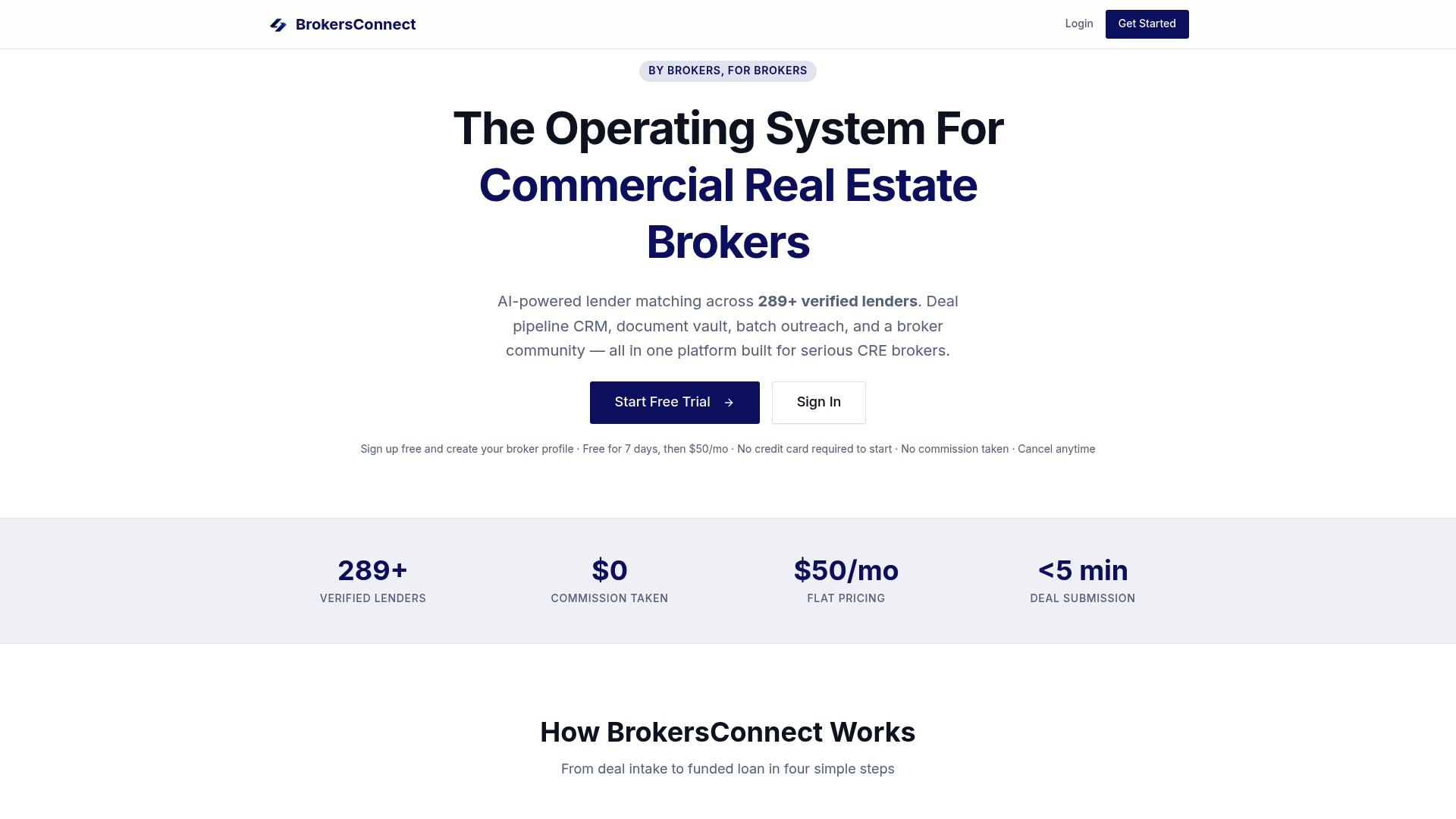
That structure matters more once a deal has gone through three rounds of lender negotiation and two amendments. Instead of hunting through a downloads folder for "the real final version," you have one vault where the current submission package is always clear, and prior lender conversations stay tracked alongside it. Pair that with the platform's pipeline and lender-matching tools, and version-aware document handling stops being a separate project and becomes part of how you already work a deal. Start a free trial and see how your next loan submission holds up.
Sources
- How versioning works in lists and libraries | Microsoft Support
- Document Versioning — Laserfiche documentation
- Contract document versioning — Conga documentation
- git4docs — Git-based document control
FAQ
What Is Loan Document Versioning?
Loan document versioning is the practice of saving each edited state of a loan document with a timestamp and author, rather than overwriting the file each time it's changed. It creates an auditable trail that shows exactly how a document evolved from draft to signed original.
What's the Difference Between Major and Minor Versions?
A major version marks a finalized or approved document, like a signed loan agreement, while a minor version marks a work-in-progress edit that hasn't been finalized. Systems like Conga's CLM use period-delimited numbers (1.0, 1.1) to track this distinction.
Does Check-Out Actually Reduce Version Bloat?
Yes. Requiring check-out before editing means only one person edits at a time, and each resulting version reflects a deliberate, closed session rather than repeated autosaves, which is why Microsoft's SharePoint documentation recommends it as a core control.
When Should a Loan Team Use Git-Based Immutability?
Git-based tools like git4docs make sense when a regulator or counterparty specifically demands cryptographic, tamper-evident proof rather than a standard modification log. Most loan operations are well served by DMS-level versioning with strong check-out and retention policies first.
Does a commercial real estate financing platform support version-aware document handling?
A platform can provide a secure document vault that organizes loan templates, signed documents, and lender submission records by deal, supporting a structured, version-aware workflow like the one recommended here. Pricing and trial availability can be found on the provider's website.